Multiuser Proxy Credentials: How Teams Share Access Safely

Multiuser proxy credentials let several people and jobs on one team send traffic through the same proxy account without everyone passing around a single password. The safest setup gives each person, service or pipeline its own credential under one organization, so you can see who used what, limit what each can do, and revoke one login without breaking the rest. Masklabs includes team and organizational credential management for exactly this reason: a scraper, an analyst's notebook and a QA script should not all depend on one shared string.
This guide is for data scientists, scraping developers, geo-targeting marketers and research teams who already run proxy traffic and now have more than one person touching it.
TL;DR
- A proxy credential is a username and password (or token) your client sends with each request so the proxy knows which account to bill and which rules to apply.
- One shared credential is fast to start and hard to govern: you cannot tell who caused a spike, and you cannot remove one person without changing it for everybody.
- Give each person, service and environment its own credential, and keep them in a secrets store, never in code, chat or spreadsheets.
- Rotate on a schedule and immediately when someone leaves; revoke by credential, not by account.
- With metered per-byte billing, per-credential usage is also how you keep one runaway job from draining the team's data pool.
Table of Contents
- What multiuser proxy credentials are
- Why a single shared login stops working
- Shared credentials vs. individual credentials
- How to set up team proxy access, step by step
- Authentication methods that support teams
- Rotating and revoking without downtime
- Use per-credential usage to protect your budget
- A checklist for choosing a provider's team features
- Start with a team setup on Masklabs
- FAQ
- Sources
What multiuser proxy credentials are
A proxy sits between your code and the target site. Before it forwards anything, it needs to know who is asking. In HTTP, the proxy answers an unauthenticated request with a 407 Proxy Authentication Required status, and the client then retries with a Proxy-Authorization header carrying its credentials. Most scraping libraries hide this: you put user:password@host:port in the proxy URL and the library handles the rest. If you want the protocol detail, our guide to fixing 407 errors with curl and the RFCs walks through it.
"Multiuser" describes what sits behind that login. There are three common patterns:
- One shared credential. Everyone uses the same username and password. This is where most teams start.
- Multiple credentials under one account. Each user, service or project gets its own login, but billing and the data pool stay in one place.
- Separate accounts per person. Full isolation, but separate bills, separate pools and a lot of admin.
For most data teams the middle option is the right one. You keep one budget and one dashboard, and you get an identity for every consumer of the proxy.
Why a single shared login stops working
Shared proxy credentials feel harmless because the proxy is "just infrastructure." The problems show up as the team grows.
No attribution. When the data pool drains faster than expected, a shared credential gives you one line of usage. You cannot tell whether the price-monitoring job, a notebook someone left running or a new crawler caused it.
No clean offboarding. When an engineer or contractor leaves, the only safe move is to change the password everywhere it was pasted. That means redeploying every job and updating every laptop at once, so teams often skip it.
Wide blast radius. A proxy credential can grant access to paid traffic and to the reputation of your IP sessions. A leak from one notebook exposes everything that credential can do. One 2026 security write-up recommends treating each proxy credential as a shared secret with a defined blast radius, and preferring short-lived tokens over static passwords where the system supports them.
Credentials travel further than you expect. The same write-up describes two 2026 curl vulnerabilities in which proxy credentials could be forwarded to a different proxy after a redirect or handle reuse. The practical lesson for teams: use a dedicated credential per service, set explicit no_proxy rules for hosts that should bypass the proxy, and rotate on the same cadence as your other service-account secrets.
Session collisions. If two people use one credential with the same sticky session settings, they can end up sharing an exit IP and stepping on each other's logged-in state. Separate credentials make session behavior predictable. Our notes on session management for stable proxy workflows cover how to pin and release IPs.

Shared credentials vs. individual credentials
Use this table when deciding how to split access.
| Need | One shared credential | Credential per user or service |
|---|---|---|
| Setup time | Minutes | Minutes per credential |
| Know who used the data | No | Yes, by credential |
| Remove one person's access | Change it for everyone | Revoke one credential |
| Contain a leaked secret | Everything is exposed | Only that credential's scope |
| Debug a failing job | Guess which client sent the traffic | Filter by credential |
| Control spend per project | Not possible | Possible by tracking usage per credential |
The tradeoff is bookkeeping, which is why a platform with built-in credential management matters. It is the same reason teams use a password manager instead of a shared text file.
How to set up team proxy access, step by step
The steps below apply to any proxy account. Where we can, we note what Masklabs does for each one.
1. Inventory who and what needs the proxy
List every human and every process that sends traffic: individual analysts, the production scraper, the ad-verification job, the staging environment, a CI test. Each line becomes a credential. The common mistake is listing only people and forgetting automated jobs, which then inherit someone's personal login and break the day that person leaves.
2. Name credentials so usage is readable
Use a pattern such as team-purpose-environment, for example pricing-monitor-prod or research-notebook-priya. A name that tells you the owner and the job turns a usage report into an answer. Names like test2 do the opposite.
Masklabs is self-serve: you manage credentials yourself from the account and watch usage in the dashboard, with no sales call needed to add one.
3. Scope each credential to what it needs
Decide for each credential the protocol it uses (HTTP, HTTPS or SOCKS5), whether it needs rotating or sticky sessions, and which US city targeting it requires. A price-comparison crawler that visits many regional pages needs rotation across 46 cities' worth of exits; an account workflow that must look like one stable user needs a sticky session. Keeping these separate per credential avoids one team's settings changing another's results. If you are unsure which protocol fits, see HTTP vs HTTPS proxy decision rules, and for pinned sessions see our sticky session guide for account workflows.
4. Store secrets where code cannot leak them
Never hardcode a proxy URL in a repository, notebook cell or chat message. Load credentials from environment variables or a secrets manager at runtime. The OWASP Secrets Management Cheat Sheet is a good reference for the underlying practices: central storage, least privilege, auditing and rotation. If your team also backs up servers and application configuration, make sure the backup tool encrypts stored credentials so proxy secrets do not sit in plain text inside a snapshot.
5. Hand out credentials through a controlled channel
Give each person access to the secrets store, not the secret itself. Where your company uses single sign-on, it is worth reading how SSO implementation works for business teams, since the same identity system that gates your cloud tools can gate who may fetch the proxy credential.
6. Test each credential before it goes live
Send one request through each new credential and confirm the status code, the exit IP's location and the session behavior. A 407 means the proxy did not accept the credentials; a different error usually points to another layer. Our proxy error troubleshooting guide helps you find the failing layer fast.
Authentication methods that support teams
Two methods dominate proxy access.
Username and password. The credential travels with every request. It works from any machine or cloud region, which suits distributed teams and serverless jobs. The cost is that the secret must be stored and rotated carefully.
IP allowlisting. The proxy accepts traffic from approved source addresses and needs no password. It is simple for one fixed server, but awkward for laptops, autoscaling workers and CI runners whose addresses change, and it identifies a machine, not a person.

For teams, username and password credentials issued per user or service are usually the better fit, because the identity follows the workload rather than the network. Pair them with the storage and rotation habits below.
Rotating and revoking without downtime
A rotation plan only works if it is boring. A reliable pattern:
- Create the new credential next to the old one.
- Update the secrets store, then redeploy or restart consumers.
- Watch usage on the old credential fall to zero.
- Revoke the old credential.
Because each consumer has its own credential, you can do this one job at a time. With one shared password you must coordinate every consumer in the same minute.
Set a schedule that matches your other service secrets, and add event triggers: a team member leaves, a laptop is lost, a credential appears in a log or a pull request, or a library vulnerability touches how your clients handle proxy settings. In each case, rotate the credentials that were exposed rather than everything.
Use per-credential usage to protect your budget
Proxy traffic on Masklabs is metered per byte. That is efficient, because you pay for data you use, but it means an unbounded loop or an image-heavy crawl can consume a lot of the pool quickly. Individual credentials turn the usage dashboard into a diagnostic tool: you can see which job is responsible and pause it by revoking that one credential, while the rest of the team keeps working.
Some practical habits:
- Block images, fonts and video in scrapers that only need text or JSON.
- Cap retries so a failing target does not multiply traffic.
- Give experimental notebooks their own credential, so exploration never shares a budget line with production.
- Review usage weekly, and delete credentials with no traffic.
If you manage large rotating pools, proxy pool management for scraping teams goes deeper on keeping success rates high as volume grows.
A checklist for choosing a provider's team features
When you compare proxy providers for a multi-person team, check that you can:
- Create and revoke credentials yourself, without a support ticket.
- See usage in a dashboard that you can break down by consumer.
- Support the protocols your stack uses (HTTP, HTTPS and SOCKS5) from Python, Node.js, Java, C#, Rust and browser automation tools.
- Choose rotating or sticky sessions per workload.
- Target the cities your research needs.
- Reach the API for programmatic management. Our list of proxy API features data teams should compare covers what to look for.
Masklabs covers these: team and organizational credential management, a usage dashboard, API access, rotating and sticky sessions, and real US carrier IPs in 46 cities.
Our view on team proxy access
We see proxy credentials as production secrets, not convenience strings. The moment a second person or a second job uses the proxy, identity matters: you need to know which workload sent which traffic, and you need to be able to turn one off without touching the rest.
That is why we built Masklabs around self-serve credential management for teams and organizations, a usage dashboard and no long-term commitment. Real carrier IPs make requests look like ordinary mobile traffic, and clean access control makes sure the people running those requests are accountable for them.
Our advice is simple: one credential per consumer, secrets out of code, rotation on a schedule, and revocation that is a single action instead of a project.
Jon
Start with a team setup on Masklabs
Masklabs offers four monthly plans: Starter at $30.00 per month, Basic at $100.00, Advanced at $500.00 and Scale at $1,000.00, each sized by monthly data pool. Prepaid data add-ons are billed per GB, and a free trial with limited data lets you configure credentials and run a test before you commit. Setup is self-serve, with no sales call.
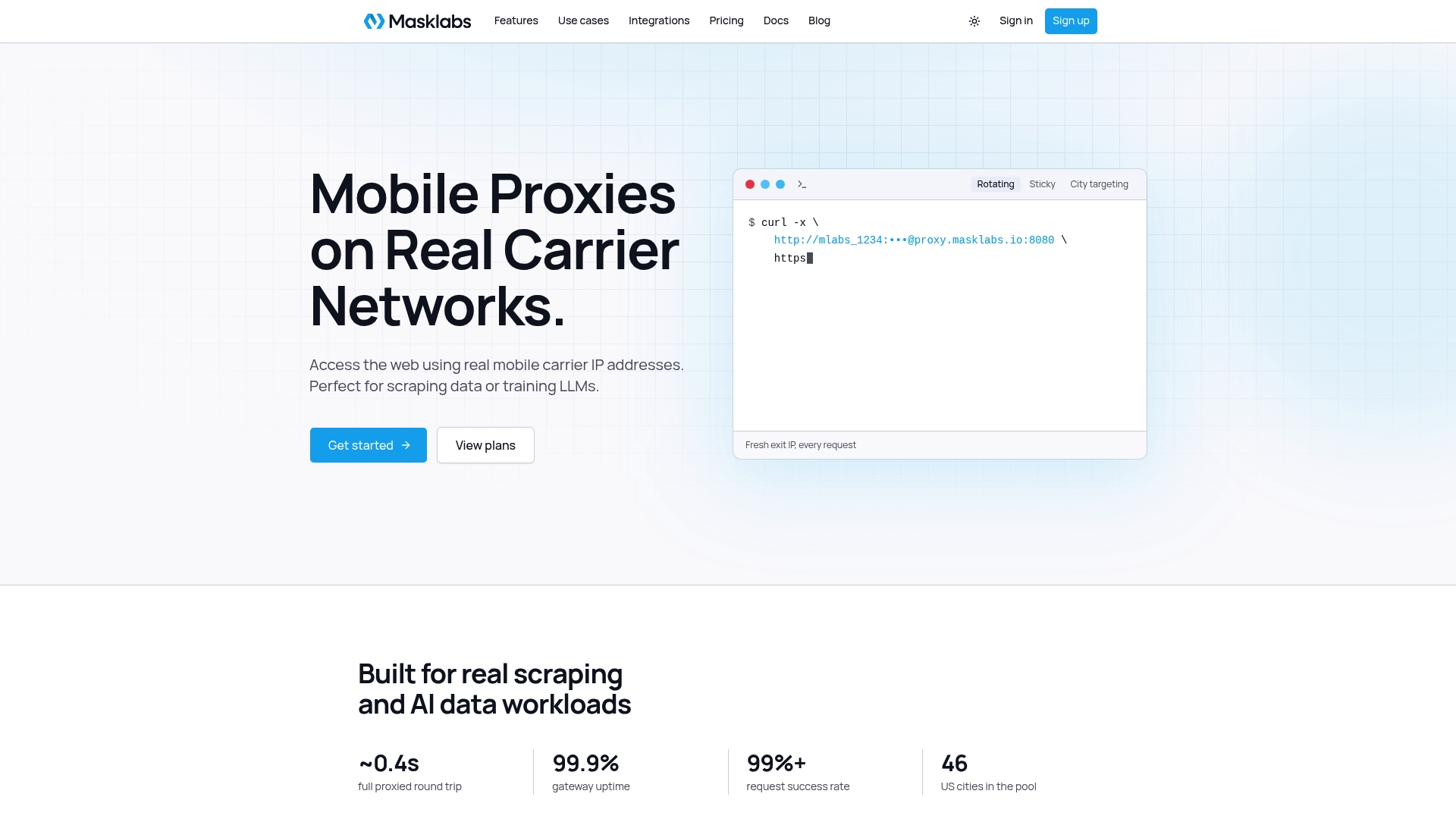
If you are moving a team off a shared login, start by creating one credential per job on Masklabs US mobile proxies, then retire the old shared password once usage on it reaches zero.
FAQ
Can multiple people use the same proxy credentials?
Technically yes, since the proxy only checks that the username and password are valid. In practice it removes attribution and makes offboarding painful, because changing the password affects every user and job. Issuing one credential per person or service under a single team account gives you the same shared budget with far better control.
How often should we rotate shared proxy credentials?
Rotate on the same schedule you use for other service-account secrets, and immediately when someone with access leaves or a secret may have been exposed. Create the replacement first, switch consumers over, confirm the old credential has no traffic, then revoke it. Per-consumer credentials make this a series of small changes.
What is the difference between team proxy permissions and separate accounts?
Team permissions keep users and credentials under one organization with one data pool and one usage view. Separate accounts isolate everything but multiply billing and administration. Most data teams prefer one organization with many credentials, so they can both share a budget and see who is spending it.
Where should we store proxy credentials?
Store them in a secrets manager or in environment variables injected at runtime, never in source code, notebooks or chat. Restrict who can read each secret, log access where possible and encrypt any backup that contains configuration files.
Sources
- RFC 9110: HTTP Semantics
- CLI Proxy Authentication Security Best Practices
- OWASP Secrets Management Cheat Sheet
- VPS Snaps security
- SSO Implementation: A Practical Guide for Business Teams