SOCKS5 Authentication Methods: How Each One Works

SOCKS5 defines three authentication choices that matter in practice: no authentication (method 0x00), GSSAPI (0x01) and username/password (0x02). The client lists the methods it can use, the proxy picks one, and the connection either continues or closes. Nearly every commercial SOCKS5 proxy, including ours, uses username/password, and that choice has consequences for security and compatibility that are worth understanding before you wire it into a scraper or a browser.
This guide walks through the handshake byte by byte, compares the three methods, explains what authentication does and does not protect, and shows how to configure credentials in common tools.
TL;DR
- SOCKS5 offers three real methods: no authentication, GSSAPI and username/password. The client proposes, the server chooses, and 0xFF means no deal.
- Username/password is the one you will meet with proxy providers. It proves who you are to the proxy, but the password travels in cleartext inside the SOCKS5 exchange.
- Authentication is not encryption. If you need confidentiality, rely on TLS between your application and the destination, not on the proxy login.
- Many clients implement only part of the standard. Check that your library supports username/password before you buy or deploy.
- Most "it connects but fails" problems come from a mismatch in methods, a wrong URL scheme or credentials that are not URL-encoded.
Table of Contents
- The three authentication methods SOCKS5 defines
- How the handshake picks a method
- What authentication protects, and what it does not
- Configuring username and password in practice
- Troubleshooting authentication failures
- Our perspective on SOCKS5 authentication
- Using authenticated SOCKS5 with real mobile IPs
- Choosing a method: a quick decision guide
- FAQ
- Sources
The three authentication methods SOCKS5 defines
The SOCKS5 specification, RFC 1928, assigns one-byte codes to authentication methods. The values you need to know:
| Code | Method | Typical use |
|---|---|---|
| 0x00 | No authentication required | Local or network-restricted proxies |
| 0x01 | GSSAPI | Enterprise environments with Kerberos-style infrastructure |
| 0x02 | Username/password | Commercial and self-hosted proxies reached over the internet |
| 0x03 to 0x7F | Assigned by IANA | Reserved for other standardized methods |
| 0x80 to 0xFE | Private methods | Custom, vendor-specific schemes |
| 0xFF | No acceptable methods | The server's refusal signal |
The same RFC says a compliant implementation must support GSSAPI and should support username/password. In the real world the priority flipped: username/password is far more widely deployed, because it needs no shared security infrastructure. That gap is the root of several compatibility headaches we cover below.
No authentication (0x00)
The proxy accepts any client that can reach it. This is fine on localhost, inside a private network, or behind an allowlist at the firewall. It is a poor choice on a public address: anyone who finds the port can route traffic through it, which is how open proxies end up abused. If a provider offers this mode, it usually pairs it with IP allowlisting so that the network layer does the authenticating instead.
Username/password (0x02)
This method is defined separately in RFC 1929. After the proxy selects method 0x02, the client sends its own sub-negotiation: a version byte of 0x01, the username length and username, then the password length and password. Each field is 1 to 255 bytes. The server replies with version 0x01 and a status byte. A status of 0x00 means success, and any other value means failure, after which the connection must be closed.
The 255-byte limit is rarely a problem, but it matters if you generate long tokens or encode metadata into usernames. Some providers do exactly that, appending session or location parameters to the username, so keep the total length in mind.
GSSAPI (0x01)
GSSAPI authentication is specified in RFC 1961. Instead of sending a password, client and proxy exchange opaque tokens, possibly over several rounds, until a security context is established or authentication fails. The GSS-API layer hides which underlying security mechanism is used, and both sides either agree on one administratively or negotiate it.
The practical difference is large. Because GSSAPI can carry per-message protection, the specification provides for integrity, authentication and optional confidentiality for the traffic that follows. It is the only standardized SOCKS5 method that can do this. The cost is that both ends need working GSSAPI infrastructure, which is why you mostly see it in corporate networks and almost never on commercial proxy services.

How the handshake picks a method
Every SOCKS5 session starts with a short negotiation. By convention the client opens a TCP connection to port 1080 (many providers use other ports) and sends three things: the version byte 0x05, the number of methods it offers, and the list of those methods, anywhere from 1 to 255 entries. The server answers with 0x05 and the single method it selected. All of this is defined in RFC 1928.
Here is what a username/password session looks like in hex, using the username ab and password xy:
Client -> Proxy: 05 01 02            (v5, 1 method, username/password)
Proxy  -> Client: 05 02              (v5, method 0x02 selected)
Client -> Proxy: 01 02 61 62 02 78 79 (sub-negotiation v1, ULEN=2 "ab", PLEN=2 "xy")
Proxy  -> Client: 01 00              (v1, status 0x00 = success)
Client -> Proxy: 05 01 00 03 ...     (CONNECT request to the target)
Only after the status byte returns 0x00 does the client send the actual connect request telling the proxy where to go. If the status is anything else, the proxy closes the connection and your request never reaches the destination.

Why order of offered methods matters
A client can offer several methods at once, for example 0x00 and 0x02. The server is free to choose, and a permissive server may pick 0x00 even though you supplied credentials. That is why strict clients let you forbid the unauthenticated option. In libcurl, the CURLOPT_SOCKS5_AUTH option controls which methods are offered, and its CURLAUTH_ONLY flag stops curl from offering no authentication and rejects a proxy that selects it. Used on its own without a method such as basic or GSSAPI, that flag is invalid, so combine it with the method you actually want.
What 0xFF means
When the server finds nothing acceptable in your list, it returns method 0xFF, and the client must close the connection. Typical causes:
- Your client offers only no-auth (it was never given credentials) but the proxy requires a login.
- Your client offers username/password but the proxy only accepts GSSAPI or an allowlisted source IP.
- A library silently drops credentials because the proxy URL used the wrong format.
If you see the connection die right after the first reply with nothing more, think method mismatch before you suspect the password.
What authentication protects, and what it does not
Two misunderstandings come up constantly.
First, username/password does not encrypt anything. RFC 1929 states that the password is carried in cleartext and cautions against using the method where sniffing is possible and practical. Anyone who can observe the path between your machine and the proxy can read the credentials. The traffic you send through the tunnel is likewise only as private as the protocol inside it. If you request an HTTPS site, TLS protects that content end to end. If you request plain HTTP, it is visible on the way.
Second, authentication controls who may use the proxy, not what the proxy can see. The proxy operator still sees destination addresses, and sees contents of any unencrypted traffic. Choose a provider on that basis, and put sensitive credentials only into TLS-protected requests.
Mitigations that actually work:
- Use HTTPS targets so that application data is encrypted regardless of the proxy login.
- Run the client on a network path you trust, or connect to the proxy from a server rather than public Wi-Fi.
- Rotate credentials when a team member leaves or a secret leaks, and keep one credential set per project so you can revoke narrowly.
- Where GSSAPI is available and you need per-message protection, use it. Otherwise wrap the proxy connection in a tunnel such as SSH or a VPN.
For a deeper look at the security and DNS side of the choice, our comparison of SOCKS5 and HTTP proxies and DNS leaks covers five practical tests.
Configuring username and password in practice
Most of the confusion comes from where credentials go. The common pattern is a URL:
socks5://USERNAME:[email protected]:1080
A few details that save time:
- Scheme matters.
socks5://andsocks5h://differ in where DNS resolution happens. Withsocks5h, the proxy resolves hostnames; withsocks5, many clients resolve locally. If you need the destination's regional DNS behavior, use the remote-resolution form. - Encode special characters. An
@,:or/in a password breaks URL parsing. Percent-encode it (@becomes%40). - Prefer separate fields when the library offers them. It avoids encoding bugs and keeps secrets out of logs.
curl
curl --socks5-hostname proxy.example.com:1080 \
  --proxy-user USERNAME:PASSWORD https://example.com
The --socks5-hostname flag sends the hostname to the proxy for resolution. Our guide to copy-paste curl proxy commands covers more debugging variations.
Python
In Python, requests needs the SOCKS extra installed (pip install requests[socks]), and then takes the same URL format in its proxies mapping. For async work, see our walkthrough of HTTPX proxy setup with SOCKS5.
Browsers
This is the weak spot. Chrome accepts a SOCKS5 proxy through a flag, but it does not take credentials in the flag, so authenticated SOCKS5 in a plain browser is awkward. That is why developers often drive a browser through automation tooling or run a local forwarder that adds the login. Our notes on Chrome proxy flags explain what the flag can and cannot do. Firefox has a field for SOCKS credentials in its network settings, but behavior varies by version, so test with an IP-echo page before trusting it.
Other languages
Support differs. The Rust socks5-impl crate advertises customizable support for no authentication, username/password and GSSAPI, so all three core options are exposed. On the .NET side, the discussion around SOCKS support in SocketsHttpHandler recorded username/password as the implemented scope and treated GSSAPI as out of scope. In other words, a client can claim SOCKS5 support and still lack one of the standardized methods. Before you commit to a stack, confirm which methods it can offer.
Troubleshooting authentication failures
Work through these in order:
- Connection closes immediately after the first reply. Likely a method mismatch (0xFF). Confirm the proxy requires username/password and that your client is configured with credentials, not just a host and port.
- Status byte not 0x00 after sending credentials. Wrong username or password, an expired or revoked credential, or a plan that is out of data. Check the dashboard before changing code.
- Works in curl, fails in your app. Compare scheme (
socks5versussocks5h), URL encoding and whether the library supports authenticated SOCKS5 at all. - Works locally, fails from a server. The provider may restrict by source IP, or your host's egress firewall may block the proxy port.
- Seeing HTTP 407 errors. That is HTTP proxy authentication, a different mechanism from SOCKS5. If you are getting 407s, the client is talking to an HTTP proxy endpoint; our article on HTTP proxy authentication and 407 errors walks through that case.
A useful habit is to test with a single curl -v call before debugging a larger application. If curl authenticates and your code does not, the problem is in the code path, not the account.
Our perspective on SOCKS5 authentication
We see the same pattern with engineering teams: the proxy itself works, and the time is lost in the layer around it. Credentials pasted into the wrong place, a library that quietly ignores the login, a browser that cannot send a SOCKS5 password at all. None of it is difficult once you know that SOCKS5 authentication is a small, separate sub-negotiation that happens before any traffic flows.
Our view is that authentication should be boring and self-serve. That is why we manage access through credentials you create and revoke yourself in a usage dashboard, with no sales call needed to get started, and why we support HTTP, HTTPS and SOCKS5 so you can pick the protocol your tooling handles best. For data collection, geotargeted research and price monitoring, the question is rarely which exotic method to use. It is whether your client handles username/password correctly, whether you separate credentials per project and team, and whether you keep sensitive payloads inside TLS.
One more opinion: do not choose SOCKS5 only because it sounds more secure. It is a flexible transport, not an encryption layer. Pick it when you need non-HTTP traffic, or when your client library handles it better than an HTTP proxy, and judge security by what runs inside the tunnel.
— Jon
Using authenticated SOCKS5 with real mobile IPs
If you collect data at scale, the proxy login is only half the picture: the IP behind it decides whether requests get blocked. We provide SOCKS5, HTTP and HTTPS access on real US carrier IPs in 46 cities, with rotating or sticky sessions and per-byte metered billing, so you can test a geotargeted workflow without a long commitment.
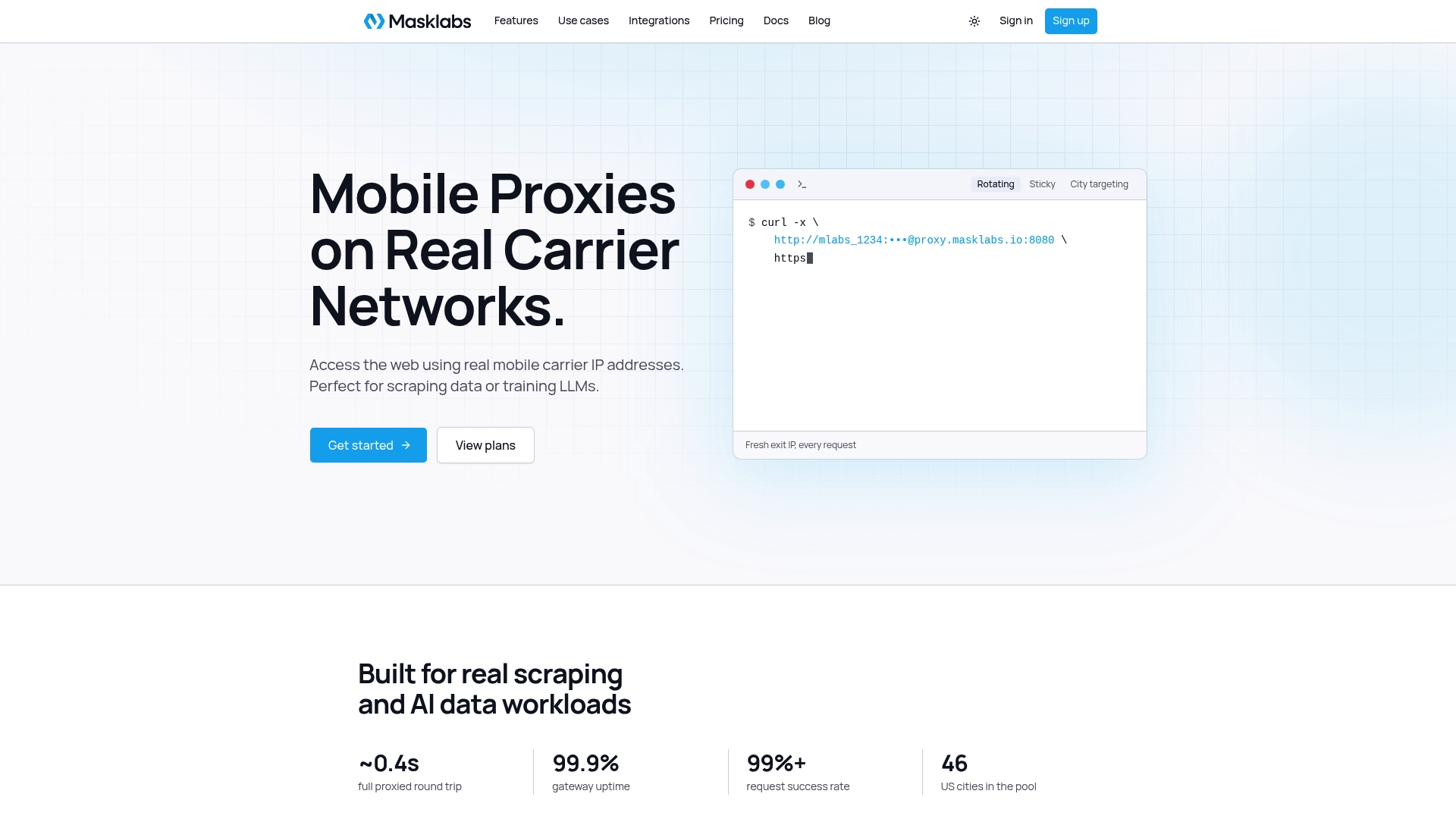
Plans are published at masklabs.io/pricing: Starter is $30.00 per month, Basic $100.00, Advanced $500.00 and Scale $1,000.00, with prepaid data add-ons billed per GB and a free trial with limited data. You can see the full range of US mobile proxies on real carrier IPs and have credentials working in your own client within minutes. When you compare providers, our list of proxy API features to compare first is a good checklist.
Choosing a method: a quick decision guide
| Situation | Method to use | Why |
|---|---|---|
| Proxy on localhost or inside a private network | No authentication | The network already limits access |
| Commercial proxy reached over the internet | Username/password | Universal client support and simple credential rotation |
| Corporate network with Kerberos-style identity | GSSAPI | Strong identity and optional message protection |
| Sensitive traffic over an untrusted path | GSSAPI or a tunnel around the proxy connection | Username/password sends the password in cleartext |
| Browser-only workflow | Automation tool or local forwarder | Browsers handle SOCKS5 credentials poorly |
If your goal is simply to know which protocol to pick for a scraper, our guide on HTTP versus HTTPS proxies lays out decision rules, and the explanation of how the HTTPS CONNECT tunnel works shows the HTTP-side equivalent of what you just read.
FAQ
Does SOCKS5 always require a username and password?
No. The protocol allows no authentication, GSSAPI or username/password, and the proxy decides which it accepts. Proxies reachable from the public internet almost always require a login, while local or firewalled ones often do not.
Is SOCKS5 username/password authentication secure?
It is adequate for controlling access, but it does not protect the password in transit. RFC 1929 says the password is sent in cleartext and warns against using the method where sniffing is a realistic risk. Keep the proxy connection on a trusted path and use HTTPS for the traffic you send through it.
Why does my SOCKS5 proxy connect but return an authentication error?
Usually the proxy selected username/password but the credentials were rejected, or your client never offered that method. Check the exact username and password, percent-encode special characters in a URL, and confirm the client library supports authenticated SOCKS5. Testing the same credentials with curl isolates whether the issue is your code.
What does method 0xFF mean in SOCKS5?
It means the server found none of the methods you offered acceptable. Under RFC 1928 the client must then close the connection. Fix it by offering a method the proxy supports, which in practice means supplying credentials to your client.
Can I use SOCKS5 authentication in Chrome?
Not directly through the proxy flag, since it does not accept credentials. Developers usually drive Chrome through browser automation or put a local forwarder in front that adds the login. Confirm your setup with an IP-check page.
Sources
- RFC 1928: SOCKS Protocol Version 5
- RFC 1929: Username/Password Authentication for SOCKS V5
- RFC 1961: GSS-API Authentication Method for SOCKS Version 5
- libcurl CURLOPT_SOCKS5_AUTH
- socks5_impl documentation for Rust
- SOCKS4/4a/5 proxy support in SocketsHttpHandler