Using a SOCKS5 Proxy With Python Requests

To send Python Requests traffic through a SOCKS5 proxy, install the SOCKS extra with python -m pip install 'requests[socks]', then pass a proxies dictionary whose http and https values both start with socks5h://. Add your username and password to that URL if the proxy needs them. That is the whole setup. The rest of this guide covers the details that decide whether it works in production: DNS behavior, authentication, HTTPS targets, sessions, verification and the errors you are most likely to see.
TL;DR
- Requests does not ship SOCKS support by default. Install it with
requests[socks]. - Use
socks5h://when you want the proxy to resolve hostnames.socks5://resolves them on your machine. - Put credentials in the proxy URL:
socks5h://user:password@host:port. - Set both
httpandhttpskeys to the same proxy URL so HTTPS requests are proxied too. - Verify with a request to an IP-echo endpoint and compare the result with your own IP.
Table of Contents
- Install SOCKS support
- The basic configuration
- socks5 vs socks5h: where DNS gets resolved
- Add authentication
- Use a Session for repeated requests
- Verify that the proxy is really in use
- Troubleshooting common errors
- SOCKS5 or HTTP proxy in Requests
- Other Python clients
- Our perspective
- Try it on real mobile carrier IPs
- FAQ
- Sources
Install SOCKS support
The Requests documentation lists SOCKS as an optional feature. According to the Requests advanced usage guide, you add it with:
python -m pip install 'requests[socks]'
Using python -m pip matters more than it looks. It installs into the same interpreter that will run your script, which avoids the common situation where the package lands in one virtual environment and your code runs in another. The extra pulls in PySocks, which Requests uses under the hood to speak SOCKS.
If you skip this step, Requests raises an InvalidSchema error saying SOCKS support is missing as soon as it sees a socks5:// or socks5h:// URL. It fails before any connection is opened, so the proxy itself is not the problem.

The basic configuration
The setup is the same proxies mapping you would use for an HTTP proxy. Only the URL scheme changes.
import requests

proxy_url = "socks5h://USERNAME:PASSWORD@PROXY_HOST:PROXY_PORT"

proxies = {
    "http": proxy_url,
    "https": proxy_url,
}

response = requests.get("https://example.com", proxies=proxies, timeout=30)
print(response.status_code)
Replace the uppercase placeholders with the values from your provider's dashboard. Always set a timeout. Requests has no default timeout, and a stalled proxy connection can otherwise hang a scraper indefinitely.
Why both keys, even for HTTPS URLs
The keys in proxies match the scheme of the destination URL, not the type of the proxy. A request to an https:// page looks up the https key. If you only define http, HTTPS requests go out directly from your own IP and bypass the proxy without any warning. The Requests documentation shows both keys pointing at the SOCKS5 URL for this reason.
This is also the answer to a common search: you do not need a separate "HTTPS SOCKS proxy". A SOCKS5 proxy tunnels TCP, so the TLS handshake with the destination happens end to end between your client and the site, and the proxy only relays bytes.
socks5 vs socks5h: where DNS gets resolved
The h in socks5h stands for hostname. The Requests documentation states that socks5:// resolves DNS on the client, while socks5h:// resolves domains on the proxy server. The urllib3 SOCKS reference says the same and recommends socks5h:// when you want remote DNS resolution.
That difference has practical consequences:
| Scheme | Who resolves the hostname | Typical use |
|---|---|---|
socks5:// | Your machine | Targets you can resolve locally, or when you need to control DNS yourself |
socks5h:// | The proxy server | Geo-targeted work, avoiding DNS leaks, hosts only the proxy can resolve |
For geo-targeted scraping and price monitoring, socks5h:// is usually the right default. Many sites return different content depending on where a hostname resolves, and a local lookup can hand the target a CDN node chosen for your office rather than for the proxy's location. Resolving remotely keeps the whole request, DNS included, tied to the exit location. If you want to test this properly, our guide on avoiding DNS leaks with SOCKS5 or HTTP proxies walks through five checks.
Add authentication
For SOCKS5 with username and password, embed the credentials in the proxy URL. The urllib3 documentation gives the format socks5h://<username>:<password>@proxy-host, and the credentials are sent to authenticate with the proxy. Add the port after the host.
import os
import requests

user = os.environ["PROXY_USER"]
password = os.environ["PROXY_PASS"]
host = os.environ["PROXY_HOST"]
port = os.environ["PROXY_PORT"]

proxy_url = f"socks5h://{user}:{password}@{host}:{port}"
proxies = {"http": proxy_url, "https": proxy_url}
Two habits save trouble here:
- Keep credentials out of source code. Environment variables or a secrets manager work fine. This also keeps them out of Git history and logs.
- Percent-encode special characters. If a password contains
@,:,/or#, the URL parser will split it in the wrong place. Useurllib.parse.quote(password, safe="")before building the URL.
SOCKS5 authentication happens during the SOCKS handshake, which is different from the Proxy-Authorization header used by HTTP proxies. If you ever switch to an HTTP proxy and see 407 responses, our guide to HTTP proxy authentication and 407 errors explains the header flow. For a deeper look at the handshake methods, see how each SOCKS5 authentication method works.
Use a Session for repeated requests
Passing proxies= on every call gets repetitive. A Session lets you set it once and reuse connections:
import requests

session = requests.Session()
session.proxies.update({
    "http": proxy_url,
    "https": proxy_url,
})

for url in urls:
    r = session.get(url, timeout=30)
    print(url, r.status_code)
Sessions keep cookies and, where possible, connections alive. With a sticky proxy session, that is what you want: the same exit IP and the same cookie jar across a short sequence of requests, such as a login followed by a few page loads. With a rotating setup, a new connection may exit from a new IP, so do not assume one IP per Session object. Our notes on session management for stable proxy workflows cover how to match your code to the session type.

Environment variables as an alternative
Requests also reads proxy settings from the environment, such as ALL_PROXY, HTTP_PROXY and HTTPS_PROXY. That is handy for running an existing script through a proxy without editing it. It is also a classic source of confusion: a proxy set in your shell can affect a script that you thought was running directly. If behavior looks strange, print os.environ for proxy-related keys first.
Verify that the proxy is really in use
Do not trust a 200 status code. A direct request returns 200 too. Instead, compare exit IPs:
import requests

check_url = "https://api.ipify.org?format=json"

direct = requests.get(check_url, timeout=15).json()["ip"]
proxied = requests.get(check_url, proxies=proxies, timeout=15).json()["ip"]

print("Direct:", direct)
print("Via proxy:", proxied)
assert direct != proxied
If the two addresses match, the request did not go through the proxy. The usual causes are a missing https key, a typo in the scheme or an environment variable overriding your settings.
For geo-targeted work, go one step further and look up the location of the exit IP in a geolocation tool. With a provider that lets you choose a city, confirm the result matches the city you requested before you launch a long job.
Troubleshooting common errors
| Symptom | Likely cause | Fix |
|---|---|---|
InvalidSchema mentioning missing SOCKS dependencies | The SOCKS extra is not installed in the running interpreter | Run python -m pip install 'requests[socks]' with the same Python that runs your script |
ProxyError or connection refused | Wrong host or port, or a firewall blocking outbound traffic on that port | Recheck the values and test from another network |
| Authentication failure | Wrong credentials, or special characters not encoded | Re-copy credentials and percent-encode the password |
| Direct IP shown instead of proxy IP | Only the http key set, or an overriding environment variable | Set both keys and inspect environment variables |
| Timeouts on some sites only | Target throttling, slow exit node, or a too-short timeout | Raise the timeout, retry with a fresh session, reduce request rate |
| Different content than expected | DNS resolved locally with socks5:// | Switch to socks5h:// |
Wrap network calls in try/except requests.exceptions.RequestException and log the exception class. A ConnectTimeout points to the path to the proxy, while a ReadTimeout points to a slow response from the target, and each calls for a different fix.
SOCKS5 or HTTP proxy in Requests
Both work with the same proxies dictionary, so switching is a one-line change. The differences are in how they behave.
| SOCKS5 | HTTP/HTTPS proxy | |
|---|---|---|
| Setup in Requests | Needs requests[socks] | Works out of the box |
| Protocol level | Relays raw TCP, so it is agnostic to what runs on top | Understands HTTP, can read and modify headers |
| Authentication | During the SOCKS handshake | Proxy-Authorization header |
| DNS | Local or remote, chosen by socks5 vs socks5h | Handled by the proxy for the target host |
Choose SOCKS5 when you want one proxy that also serves non-HTTP clients, or when you want explicit control over where DNS is resolved. Choose an HTTP proxy when you need header-level behavior. If you are weighing the two, our comparison of HTTP vs HTTPS proxy decision rules and our notes on HTTP proxy headers help you decide.
Other Python clients
If you outgrow Requests, the same ideas carry over. For async work see our guide to aiohttp proxy setup with SOCKS5 and rotation, and for a client with HTTP/2 support see HTTPX proxy setup. If your stack includes PHP, the PHP cURL proxy guide covers the equivalent options. For a wider view of building scrapers, read how to ship Python scrapers faster with proxies and rotation.
Our perspective
Most SOCKS5 problems we see in support are not about SOCKS5. They come from three small mistakes: the extra is missing, only one of the two proxy keys is set, or DNS is resolved in the wrong place.
That is why we recommend
socks5h://for geo-targeted work. If you are checking how a page looks from a particular US city, the hostname lookup should happen on the proxy side along with everything else.The second half of the equation is the IP itself. We built MaskLabs on real US carrier IPs rather than datacenter ranges, because requests from mobile carrier addresses look like ordinary mobile traffic, and our design goal is fewer blocks and less throttling. You can pin a session to one IP when a workflow needs continuity, or rotate when you want coverage, and you pick a city out of 46 in the US.
We also think setup should take minutes. You create credentials yourself in the dashboard, paste them into the URL format above, and run the verification script. No sales call is needed.
Jon
Try it on real mobile carrier IPs
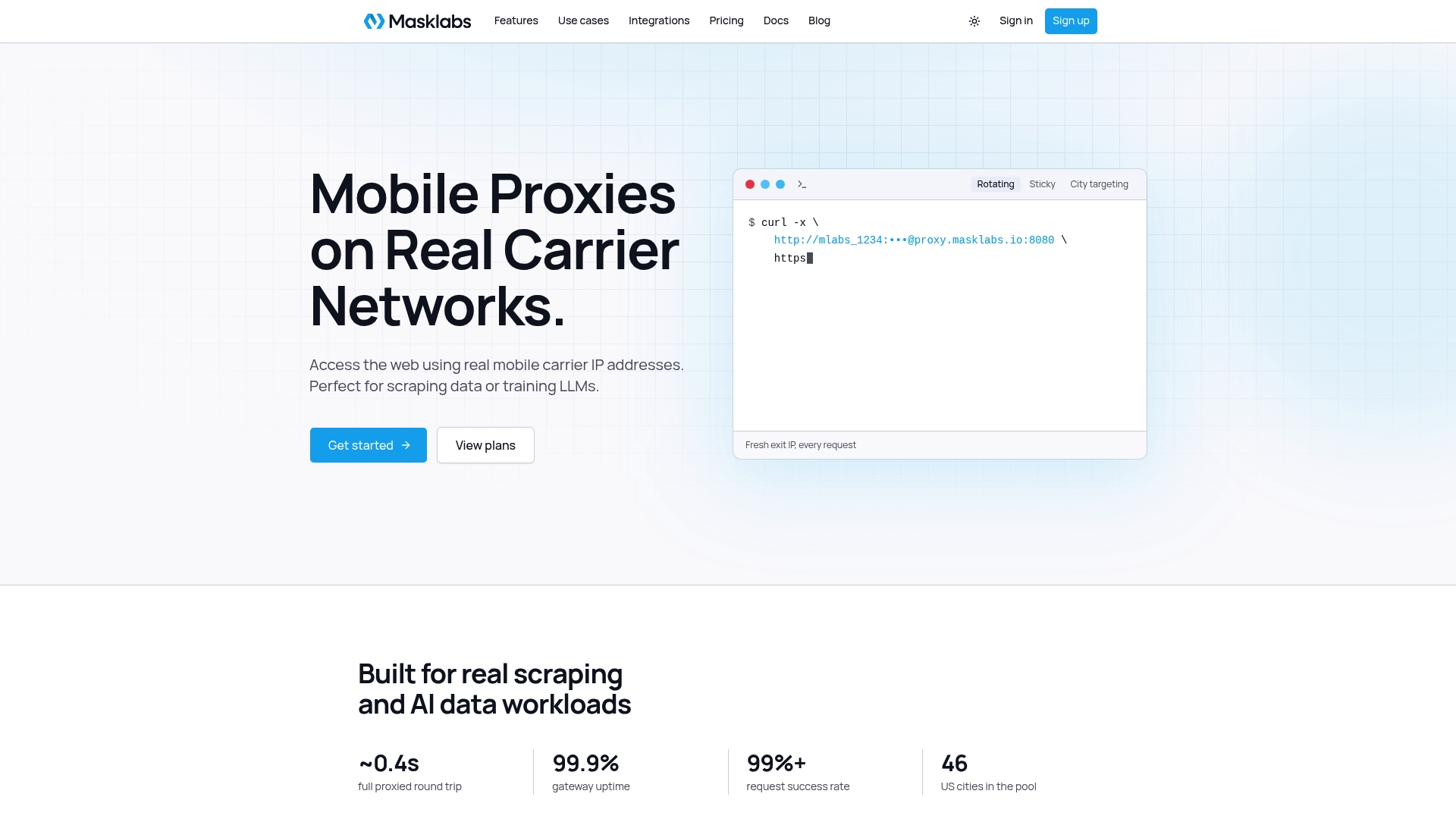
If you are building a scraper, a price monitor or an ad verification job in Python, the code above works as written with a MaskLabs endpoint. We provide US mobile proxies on real carrier IPs with HTTP, HTTPS and SOCKS5 support, sticky or rotating sessions, API access and city-level targeting across 46 US cities. Billing is metered per byte, and you can start with a free trial that includes limited data.
Plans on the pricing page are Starter at $30.00 per month, Basic at $100.00 per month, Advanced at $500.00 per month and Scale at $1000.00 per month, with prepaid data add-ons available per GB. Teams can manage credentials at the organization level, so each project or developer can have its own access.
FAQ
Does Python Requests support SOCKS5 natively?
Not by default. You install the optional extra with python -m pip install 'requests[socks]', as the Requests documentation describes. After that, a socks5:// or socks5h:// URL in the proxies dictionary works like any other proxy URL.
Should I use socks5 or socks5h?
Use socks5h:// if you want the proxy to resolve the destination hostname, which is the safer choice for geo-targeted requests. The socks5:// scheme resolves DNS on your machine, according to the urllib3 documentation.
How do I pass a username and password?
Put them in the URL: socks5h://username:password@host:port. Percent-encode any special characters in the password, and load the values from environment variables rather than hardcoding them.
Why do my HTTPS requests ignore the proxy?
Requests picks the proxy by the scheme of the target URL. If your dictionary has only an http key, HTTPS URLs are sent directly. Set both http and https to the same SOCKS5 URL.
How can I check that the proxy works?
Request an IP-echo endpoint with and without the proxy and compare the addresses. If they differ, traffic is routed through the proxy. For geo-targeting, also confirm that the location of the exit IP matches the city you selected.