aiohttp Proxy Setup in Python: HTTP, Auth, SOCKS5 and Rotation

To use a proxy with aiohttp, pass the proxy URL to the proxy argument of a request, for example session.get(url, proxy="http://host:port"). Credentials go in proxy_auth or in the URL. aiohttp speaks HTTP proxies natively, including HTTPS through a CONNECT tunnel. For SOCKS5 you add the aiohttp-socks package and pass its connector to the session.
This guide walks through each case with code you can paste, then covers what the basics leave out: rotating proxies across concurrent requests, sticky sessions, the errors you will actually hit, and the rules of responsible data collection.
TL;DR
- Use
proxy="http://host:port"on anysession.get()orsession.post()call. Addproxy_auth=aiohttp.BasicAuth(user, password)when the proxy needs a login. - HTTPS targets work through an HTTP proxy because aiohttp opens a CONNECT tunnel. You do not need an "HTTPS proxy" for HTTPS sites.
- aiohttp does not handle SOCKS5 on its own. Install
aiohttp-socksand useProxyConnector.from_url("socks5://..."). - Rotation is your job at the client level: a semaphore for concurrency, a retry policy, and a clear choice between rotating and sticky sessions.
- Respect robots.txt, site terms and rate limits, and keep credentials out of your source code.
Table of Contents
- How aiohttp handles proxies
- Set an HTTP proxy in aiohttp
- Use a SOCKS5 proxy with aiohttp
- Rotate proxies across concurrent requests
- Fix common aiohttp proxy errors
- Our perspective: what matters once the code works
- Run aiohttp through Masklabs mobile IPs
- Collect data responsibly
- Port your setup to other stacks
- FAQ
- Sources
How aiohttp handles proxies
aiohttp is an asynchronous HTTP client and server framework for Python. On the client side, its Advanced Client Usage documentation describes support for plain HTTP proxies and for HTTP proxies that can be upgraded to HTTPS through the HTTP CONNECT method. That is the whole native scope. Anything outside it, such as SOCKS, needs a connector that someone else maintains.
Two details shape how you write code:
- The proxy is set per request, or per session through a helper. There is no global switch in the default setup. You pass
proxy=on each call, or you wrap calls in a small function that always does. - The proxy URL is a plain string. Scheme, optional credentials, host and port. aiohttp does not validate that the endpoint is healthy, so a dead proxy shows up as a connection error at request time.
If you want the standard HTTP_PROXY and HTTPS_PROXY environment variables to apply instead, create the session with trust_env=True. A maintainer-confirmed answer in the aiohttp GitHub discussions explains that this makes the session read those variables and credentials from ~/.netrc. That is handy in containers and CI, where you want to change the proxy without touching code.
Set an HTTP proxy in aiohttp
Install aiohttp and write the smallest working example. We use a public IP-echo endpoint as the target so you can see which address the server observes:
import asyncio
import aiohttp

PROXY = "http://proxy.example.com:8080"

async def main():
    async with aiohttp.ClientSession() as session:
        async with session.get("https://api.ipify.org?format=json", proxy=PROXY) as resp:
            print(resp.status, await resp.json())

asyncio.run(main())
If the printed IP is the proxy's and not your own, the setup works. Run this check before you point a scraper at a real target. It separates "my proxy config is wrong" from "the target site is blocking me", which are very different problems.
Add proxy authentication
Most paid proxies require credentials. You have two equivalent options. The first passes them separately:
auth = aiohttp.BasicAuth("USERNAME", "PASSWORD")
async with session.get(url, proxy=PROXY, proxy_auth=auth) as resp:
    ...
The second embeds them in the URL:
PROXY = "http://USERNAME:[email protected]:8080"
async with session.get(url, proxy=PROXY) as resp:
    ...
The documentation also describes a third route: building a headers dictionary with encode_basic_auth and passing it as proxy_headers. It is useful when you need to attach other headers to the CONNECT request as well.
Prefer proxy_auth in team projects. It keeps the password out of URLs that tend to end up in logs and exception messages. Load the values from environment variables or a secrets manager, never from a committed file.
If the proxy answers 407 Proxy Authentication Required, the credentials are wrong or missing, or the proxy expects a different scheme. Our guide to fixing 407 errors and HTTP proxy authentication shows how to reproduce the failure with curl so you can tell whether the problem is in your code or in the account.
Why HTTPS sites work through an HTTP proxy
A frequent point of confusion: you set http:// in the proxy URL and still request https:// pages. That is correct. For an HTTPS target, aiohttp asks the proxy to open a CONNECT tunnel to the destination, and the TLS session runs end to end between your client and the site. The proxy sees the host and port, not the page contents. If you want the details of that handshake and how to debug it, see how the HTTPS proxy CONNECT tunnel works, and for the terminology trap behind it, HTTP vs HTTPS proxy decision rules.
There is a separate case where the connection to the proxy itself is TLS-encrypted (an https:// proxy URL). The aiohttp documentation notes this needs runtime support for TLS inside TLS, and that you must configure certificate trust for both the proxy and the target. If you do not have a reason to use it, stay with an http:// proxy URL and a CONNECT tunnel.

Use a SOCKS5 proxy with aiohttp
aiohttp's own documentation covers HTTP proxies and CONNECT, not SOCKS. The standard answer is the aiohttp-socks package. According to its PyPI page, version 0.12.0 provides a connector for SOCKS4(a), SOCKS5(h), HTTP CONNECT and proxy chains. It requires Python 3.9 or newer, aiohttp 3.10.0 or newer and python-socks[asyncio] 2.4.3 or newer.
pip install aiohttp_socks
import asyncio
import aiohttp
from aiohttp_socks import ProxyConnector

async def main():
    connector = ProxyConnector.from_url("socks5://USERNAME:[email protected]:1080")
    async with aiohttp.ClientSession(connector=connector) as session:
        async with session.get("https://api.ipify.org?format=json") as resp:
            print(await resp.json())

asyncio.run(main())
Notice the difference from the HTTP approach. The proxy belongs to the connector, so you do not pass proxy= on each request, and every request on that session uses the same proxy. If you need different proxies, create one session per proxy.
SOCKS5 or SOCKS5h?
The socks5h:// scheme asks the proxy to resolve hostnames, so DNS lookups do not happen on your machine. Use it when you do not want the local resolver to reveal which sites you visit, or when the target hostname only resolves from the proxy's network. Our write-up on DNS leaks and choosing SOCKS5 or HTTP lays out five tests you can run to check which one your setup uses.
Which protocol should you pick?
| Situation | Better fit |
|---|---|
| Scraping websites with a standard aiohttp session | HTTP proxy with CONNECT, no extra packages |
| Non-HTTP traffic or a mixed toolchain that already speaks SOCKS | SOCKS5 through aiohttp-socks |
| You must keep DNS resolution off the local machine | socks5h:// through aiohttp-socks |
| Minimal dependencies in production images | HTTP proxy |
For web data collection, the HTTP proxy path is usually simpler. It has fewer moving parts and nothing to pin in your requirements file.
Rotate proxies across concurrent requests
The code above sends traffic through one proxy endpoint. Real collection jobs need more: many requests at once, a way to spread them, and a way to recover when one fails. There are two common designs, and the choice matters more than the code.
Provider-side rotation. You send every request to one gateway endpoint, and the provider assigns the exit IP. Your aiohttp code stays almost unchanged. This is the simplest design and the one we recommend for most teams.
Client-side rotation. You keep a list of proxy URLs and pick one per request. You control the selection, but you also own health checks, removal of dead entries and fairness.
A minimal client-side version looks like this:
import asyncio, itertools
import aiohttp

PROXIES = itertools.cycle([
    "http://USER:[email protected]:8080",
    "http://USER:[email protected]:8080",
])
sem = asyncio.Semaphore(10)

async def fetch(session, url):
    async with sem:
        proxy = next(PROXIES)
        try:
            async with session.get(url, proxy=proxy, timeout=aiohttp.ClientTimeout(total=30)) as resp:
                resp.raise_for_status()
                return await resp.text()
        except (aiohttp.ClientError, asyncio.TimeoutError):
            return None

async def main(urls):
    async with aiohttp.ClientSession() as session:
        return await asyncio.gather(*(fetch(session, u) for u in urls))
Three habits make this reliable:
- Bound concurrency. A semaphore keeps you from opening hundreds of simultaneous connections. Start at 5 to 10 and raise it only while error rates stay flat.
- Set explicit timeouts.
ClientTimeoutstops one stalled tunnel from holding a task forever. - Retry with a different exit. On a timeout or a 403 or 429, wait with backoff and try again through another proxy, with a hard cap on attempts.
Rotating or sticky sessions
Rotation suits independent requests: product pages, search results, one-off lookups. It fails when a site expects continuity. Logins, carts and multi-step forms often tie state to an IP address, and switching IPs midway looks like a hijacked session.
For those flows, use a sticky session that holds one IP for a set window while you complete the sequence, then release it. Our article on session management for stable proxy workflows covers how long to hold an IP and how to detect when it has gone bad. In aiohttp terms, a sticky flow means reusing one ClientSession and one proxy for the whole sequence, so cookies and exit IP stay consistent.
Fix common aiohttp proxy errors
Most failures fall into a short list.
| Symptom | Likely cause | What to check |
|---|---|---|
407 Proxy Authentication Required | Missing or wrong credentials | Pass proxy_auth, check for stray whitespace, confirm the account is active |
ClientProxyConnectionError | Proxy host or port unreachable | Test with curl from the same machine, check firewall and port |
ClientHttpProxyError on HTTPS targets | The proxy refused the CONNECT request | Confirm the proxy allows CONNECT to port 443 and that your plan permits the target |
| SSL verification errors | Certificate trust problem, often a TLS-intercepting proxy or an https:// proxy URL | Configure trust for both the proxy and the target, as the aiohttp documentation advises |
asyncio.TimeoutError | Slow exit, overloaded target, tunnel stalled | Set a total timeout, lower concurrency, retry on another exit |
| Works with curl, fails in Python | Proxy set on the wrong object, or trust_env picking up unexpected variables | Print the effective proxy and compare environment variables |
Two tips save hours. First, log the proxy host (never the password) alongside each failure, so patterns by exit become visible. Second, do not disable SSL verification to make an error disappear. That hides the real problem and exposes your traffic.
Our perspective: what matters once the code works
Getting proxy= right takes ten minutes. What decides whether a collection project survives is the IP behind it.
We built Masklabs around real US mobile carrier IPs instead of datacenter ranges. Websites tend to treat traffic from carrier networks as ordinary phone users, so requests look authentic and are less likely to be blocked or throttled. For price comparisons, ad verification and local search testing, that difference shows up as a higher success rate and fewer retries, which also means less proxy code to maintain.
The second thing we see teams underestimate is location. A page that lists different prices or ads in Austin and Boston can only be checked from those places. Our network covers 46 US cities, so you can target a city and not just a country.

Third, billing. We meter by the byte, which rewards efficient clients: compress responses, skip images, and cache what you have already fetched. A few lines of aiohttp configuration often cut data use more than any plan change.
Finally, we think setup should not need a sales call. You should be able to create credentials, test them in the snippet above and read your usage from a dashboard the same afternoon.
— Jon
Run aiohttp through Masklabs mobile IPs
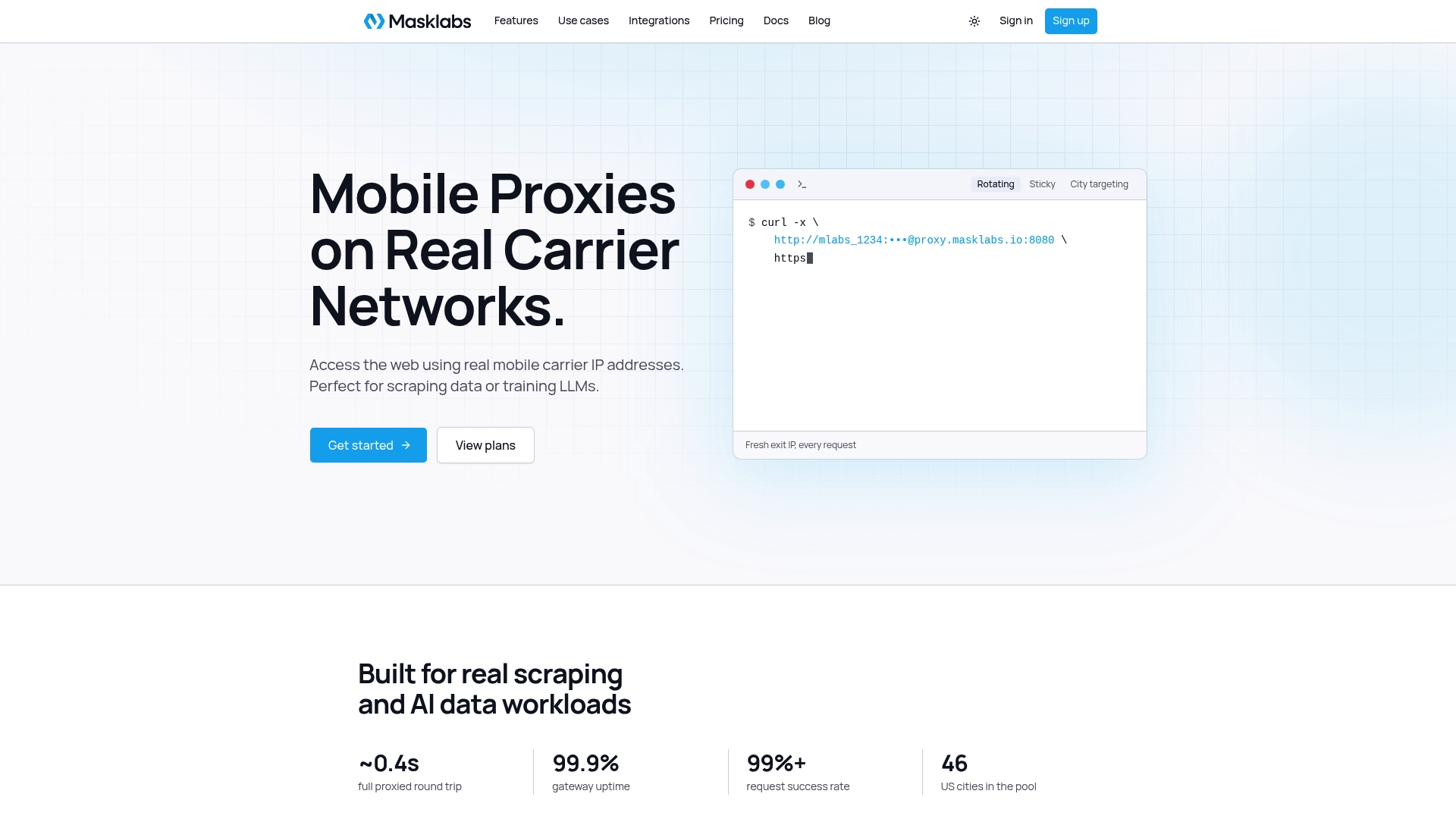
If you want these patterns on real carrier IPs, Masklabs mobile proxies work with the HTTP and HTTPS approach shown here and with SOCKS5, with rotating and sticky sessions, API access and team credential management. Plans on the pricing page start at $30 per month for Starter, with Basic at $100 per month, Advanced at $500 per month and Scale at $1,000 per month. There is also a free trial with limited data, so you can run the IP-echo test from earlier before you commit.
When you pick a provider, compare features that affect your code, such as session control, targeting options and API coverage. We list them in 8 proxy API features data teams should compare first.
Collect data responsibly
A proxy changes where your requests come from. It does not change what you are allowed to do. A few rules keep a project defensible:
- Read robots.txt and honor it. The Robots Exclusion Protocol, RFC 9309, defines the rules that crawlers are asked to follow. It also states that these rules are not a form of access authorization, so robots.txt is a courtesy signal and not a legal permission slip. Treat it as the minimum.
- Read the site's terms of service. Some sites prohibit automated access outright. If your project depends on one, ask the owner for an API or a data license.
- Limit your request rate. Bounded concurrency and pauses protect the target site and keep your own error rate down.
- Avoid personal data unless you have a lawful basis. If a project collects information about identifiable people, talk to counsel familiar with the privacy laws that apply to you before you build it.
- Identify yourself when it is appropriate. For research crawlers, a descriptive User-Agent with contact details is good practice.
Proxies are legal tools in themselves, and companies use them every day for testing and monitoring. What matters is what you do with them. If a use case is in a gray area, a lawyer is the right person to ask, not a tutorial.
Port your setup to other stacks
The same ideas carry across languages and libraries. If part of your pipeline is not in aiohttp, we have matching guides for HTTPX proxy setup in Python, Axios proxies in Node.js, Java and Apache HttpClient and the C# HttpClient proxy with SocketsHttpHandler. Keeping the same proxy settings across services makes debugging easier, because one failing exit looks the same everywhere.
FAQ
What is aiohttp used for?
aiohttp is an asynchronous HTTP client and server library for Python built on asyncio. On the client side, people use it to send many HTTP requests concurrently, which makes it a common choice for scrapers, API consumers and monitoring tools. On the server side, it runs web services and WebSocket endpoints.
Is aiohttp better than requests?
For concurrency, usually yes. requests is synchronous, so each call blocks until it finishes, while aiohttp lets thousands of calls wait on the network at once inside one event loop. For a quick one-off script, requests is simpler. For bulk collection through proxies, aiohttp typically finishes sooner for the same hardware.
Does aiohttp support SOCKS5 proxies?
Not on its own. The aiohttp documentation covers HTTP proxies and CONNECT. For SOCKS5, install aiohttp-socks and create the session with ProxyConnector.from_url("socks5://user:password@host:port"). Use socks5h:// if the proxy should resolve DNS.
How do I use a proxy for every aiohttp request?
Create the session with trust_env=True and set the HTTP_PROXY and HTTPS_PROXY environment variables, or wrap your requests in a helper that always passes proxy=. For SOCKS5, the connector on the session already applies to every request it makes.
Is using a proxy server illegal?
No. Proxies are a normal networking tool. What can be unlawful or against a site's terms is what you do through one, such as accessing systems without permission or collecting protected personal data. Check the terms of the sites you target and ask a lawyer about any unclear use case.
Sources
- aiohttp Advanced Client Usage documentation
- aiohttp-socks on PyPI
- aiohttp GitHub discussion on proxy environment variables
- RFC 9309: Robots Exclusion Protocol