Docker Proxy Settings: Daemon, CLI, Builds and Compose

Docker has no single proxy switch. It has four separate places to set one, and each controls different traffic: the daemon (image pulls and pushes), the Docker CLI config (what containers and builds inherit), the build itself, and the running container. Set the wrong one and you get a timeout that looks like a network outage. This guide shows where each setting lives, the exact files and flags to use, how to handle SOCKS5 and credentials, and how to check that traffic really goes through your proxy.
TL;DR
- Daemon proxy (image pull/push) is set in
daemon.jsonor a systemd drop-in on Linux, and in Settings on Docker Desktop. - Container and build proxy comes from
~/.docker/config.json(proxies.default) or from-eand--build-argflags. - Never put proxy credentials in
ENVin a Dockerfile. Use build arguments or runtime environment instead. - SOCKS5 is not understood by containers through environment variables. Use
socks5h://on the daemon, or convert to an HTTP proxy for apps. - Verify with a one-line
curlthrough the proxy from inside a container, and check the daemon separately with a pull.
Table of Contents
- The four places Docker reads proxy settings
- Configure the daemon proxy on Linux
- Docker Desktop proxy settings
- Docker CLI config: proxies for containers and builds
- Docker build proxy settings
- Docker Compose proxy environment
- Docker HTTPS proxy: the https:// mistake
- Docker SOCKS5 proxy setup
- Docker scraping proxies: separating the plumbing from the exit IP
- Verify the proxy and troubleshoot
- Run your containers on real mobile IPs
- FAQ
- Sources
The four places Docker reads proxy settings
Before touching a file, decide which traffic you want to route. Docker's own documentation separates these cases clearly, and mixing them up is the most common cause of "I set the proxy and it still fails."
| Layer | What it controls | Where you set it |
|---|---|---|
| Docker daemon | docker pull, docker push, registry access | daemon.json, systemd drop-in, or Docker Desktop settings |
| Docker CLI config | Proxy variables injected into containers and builds | ~/.docker/config.json |
| Build | RUN apt-get, pip install, npm install during docker build | --build-arg or CLI config |
| Running container | Outbound requests from your app | -e flags, Compose environment: or CLI config |
The daemon can use a proxy configured through daemon.json (the recommended way) or through the --http-proxy and --https-proxy flags of dockerd, and that direct configuration takes precedence over environment variables. The CLI proxy settings work differently: they live in ~/.docker/config.json under proxies.default and are used to set proxy environment variables for containers and build arguments for builds. They do not configure the CLI or the daemon itself.
That last point trips people up. Editing config.json will never fix a failing docker pull. And a daemon proxy will never make your running container's requests.get() go through a proxy.
Configure the daemon proxy on Linux
On Linux you have two reliable options. Pick one and stay with it, so you always know where the setting lives.
Option 1: daemon.json
Edit /etc/docker/daemon.json:
{
  "proxies": {
    "http-proxy": "http://proxy.example.com:3128",
    "https-proxy": "http://proxy.example.com:3128",
    "no-proxy": "localhost,127.0.0.1,.internal.example.com"
  }
}
Then restart the daemon with sudo systemctl restart docker.
Option 2: a systemd drop-in
This is the method most guides show, and it works on every systemd distribution:
sudo mkdir -p /etc/systemd/system/docker.service.d
sudo tee /etc/systemd/system/docker.service.d/http-proxy.conf <<'EOF'
[Service]
Environment="HTTP_PROXY=http://proxy.example.com:3128"
Environment="HTTPS_PROXY=http://proxy.example.com:3128"
Environment="NO_PROXY=localhost,127.0.0.1"
EOF
sudo systemctl daemon-reload
sudo systemctl restart docker
The official daemon proxy page describes both routes, including the reload and restart step. A shell that has HTTP_PROXY exported does not give the daemon a proxy: the daemon is a separate service with its own environment. One troubleshooting write-up describes exactly this failure: the shell has proxy variables, the daemon does not, and the daemon's direct connection is dropped by an egress firewall. The fix is giving the daemon its own configuration.
Check what the daemon actually loaded:
sudo systemctl show --property=Environment docker
docker info | grep -i proxy
Docker Desktop proxy settings
On macOS and Windows you do not edit systemd files. In Docker Desktop open Settings, go to Resources, choose Proxies, enable manual proxy configuration and enter the HTTP and HTTPS proxy details. Docker's Desktop settings reference explains the details that matter:
- The Desktop proxy covers host-level traffic such as sign-in, the CLI and extensions.
- It acts as a fallback for
docker image pullonly when the separate Containers proxy is not configured. - Desktop supports HTTP/HTTPS and SOCKS5 proxies, but SOCKS5 requires a Business subscription.
One more rule from the daemon proxy documentation: on Docker Desktop, proxy entries in daemon.json are ignored. Use the Desktop settings instead.
If you run Docker Desktop on a workstation and want a clean boundary between experiments and your host network, running workloads such as OpenClaw hosting in an isolated container shows how far container isolation can be pushed when you separate each service's network path.
Docker CLI config: proxies for containers and builds
If you want every container and build on a machine to inherit the same proxy, set it once in ~/.docker/config.json:
{
  "proxies": {
    "default": {
      "httpProxy": "http://proxy.example.com:3128",
      "httpsProxy": "http://proxy.example.com:3128",
      "noProxy": "localhost,127.0.0.1,.internal.example.com"
    }
  }
}
The supported keys are httpProxy, httpsProxy, ftpProxy, noProxy and allProxy, per the CLI proxy documentation. New containers started afterward receive HTTP_PROXY, HTTPS_PROXY and NO_PROXY (and lowercase variants) automatically. Existing containers do not change: recreate them.
To override for one container, pass the variables yourself:
docker run --rm \
  -e HTTP_PROXY=http://proxy.example.com:3128 \
  -e HTTPS_PROXY=http://proxy.example.com:3128 \
  python:3.12-slim python -c "import urllib.request as u; print(u.urlopen('https://api.ipify.org').read())"
Or bypass the config entirely for a single run with docker run --config /path/to/other/dir, which points the CLI at a different config directory.
Docker build proxy settings
A build runs commands in intermediate containers, so it needs the proxy during RUN apt-get update, pip install and the like. You do not want that proxy to stay in the final image.
The safe pattern is build arguments:
docker build \
  --build-arg HTTP_PROXY=http://proxy.example.com:3128 \
  --build-arg HTTPS_PROXY=http://proxy.example.com:3128 \
  --build-arg NO_PROXY=localhost,127.0.0.1 \
  -t my-scraper .
Docker predefines these proxy build arguments, so you do not need an ARG line in the Dockerfile. The CLI documentation says to avoid ENV for proxy settings in builds because it embeds the configuration in the image and can expose sensitive information, while proxy build-argument values are kept out of the build output. The original design discussion for this feature had the same goal: build-time arguments that are not persisted into the resulting image.
If you configured proxies.default in config.json, docker build picks these up for you and the flags above are only needed for overrides.
BuildKit and local proxies
A proxy running on your host at localhost:1080 is not reachable as localhost from inside a build. A Stack Overflow answer on SOCKS5 and builds notes that you need the IP of the docker0 interface (for example 172.17.0.1) or --network=host on Linux. On Docker Desktop, the hostname host.docker.internal generally points back to the host.
Docker Compose proxy environment
Compose has no proxy-specific keys. It uses the same mechanisms as the CLI: environment variables for running services and build arguments for images. If proxies.default is set in ~/.docker/config.json, services pick it up without any change. For explicit control, spell it out:
services:
  scraper:
    build:
      context: .
      args:
        HTTP_PROXY: ${PROXY_URL}
        HTTPS_PROXY: ${PROXY_URL}
    environment:
      HTTP_PROXY: ${PROXY_URL}
      HTTPS_PROXY: ${PROXY_URL}
      NO_PROXY: localhost,127.0.0.1,db,redis
    env_file:
      - .env
Keep the real value in a .env file that is git-ignored:
PROXY_URL=http://USERNAME:[email protected]:3128
Three habits prevent most Compose proxy bugs:
- List your service names in
NO_PROXY. Compose services talk to each other by name (db,redis,api). Without them inNO_PROXY, internal calls go out to the proxy and fail. - Use separate
argsandenvironmentblocks. Build-time and run-time are different phases. Setting one does not set the other. - Recreate after changes. Run
docker compose up -d --force-recreateso containers pick up new variables.
A general walkthrough of corporate proxy setups for Docker shows the same Compose layout for environment variables and the same build-argument pattern.
Docker HTTPS proxy: the https:// mistake
The HTTPS_PROXY variable names the proxy used for HTTPS traffic. It does not mean the connection to the proxy itself must be HTTPS. For most proxies, the value should start with http://, even though the traffic it carries is TLS, which the client tunnels with CONNECT. One troubleshooting guide lists https:// in HTTPS_PROXY as a common mistake behind TLS handshake timeouts: use http:// unless the proxy terminates TLS itself.
If you want the longer explanation of what each scheme does at the protocol level, our HTTP vs HTTPS proxy decision rules cover it, and proxy authentication and 407 errors explains what happens when credentials are rejected.
Docker SOCKS5 proxy setup
SOCKS5 is where Docker gets awkward. Containers do not understand SOCKS5 through environment variables, and most applications expect HTTP and HTTPS proxy variables. You have three practical paths.

1. Daemon level, for pulls and pushes. Use a systemd drop-in at /etc/systemd/system/docker.service.d/proxy.conf with HTTP_PROXY=socks5h://proxy-host:1080 and HTTPS_PROXY=socks5h://proxy-host:1080, then run sudo systemctl daemon-reload and sudo systemctl restart docker, as described here. The h in socks5h means the proxy resolves domain names. A practitioner note adds that if a Docker version rejects it, plain socks5 can be used instead.
2. Application level, inside the container. Most HTTP libraries accept a SOCKS5 URL in their own proxy option (for example socks5h://user:pass@host:port). This is the cleanest route for scrapers. Our guides on HTTPX proxy setup and aiohttp proxy setup show the exact syntax for Python.
3. Convert SOCKS5 to HTTP. Where a tool only reads HTTP_PROXY, a local converter such as Privoxy can turn a SOCKS5 upstream into an HTTP proxy. One practitioner report describes SOCKS5 in daemon.json as unstable, especially on Windows, and recommends this workaround.
Docker's experimental Sandboxes feature has its own setting, sbx settings set proxy.sandbox socks5://proxy.corp:1080. The upstream proxy page explains that socks5:// resolves DNS locally before handing off to the proxy, while socks5h:// delegates resolution to the proxy. That distinction matters for leaks, which we cover in our SOCKS5 vs HTTP proxy DNS tests.
Docker scraping proxies: separating the plumbing from the exit IP
Everything above is plumbing. For scraping, the second question is which IP your requests exit from. Datacenter ranges are easy for target sites to classify, which is why scraping teams move to real mobile carrier IPs for pages that block or throttle server traffic.
The cleanest Docker pattern for a scraping fleet:
- Keep the daemon on your normal network or corporate proxy. Pulling images should not consume scraping bandwidth.
- Give only the scraper containers the scraping proxy via
environment:or the application's own proxy option. - Put the credentials in
.envor Docker secrets, never in the image. - Use
NO_PROXYfor databases, queues and internal APIs.
This split also protects your metered data. When proxy usage is billed per byte, you want image layers and package installs on a different path, so only the target traffic counts.
Verify the proxy and troubleshoot
Test each layer separately.
# Daemon: does a pull work?
docker pull alpine:3.20

# Container: what IP does the outside world see?
docker run --rm curlimages/curl -s -x http://USERNAME:[email protected]:3128 https://api.ipify.org

# Inherited variables
docker run --rm alpine env | grep -i proxy
On Docker Desktop, the general FAQ says to check the most recent events in httpproxy.log. It lives at ~/Library/Containers/com.docker.docker/Data/log/host on macOS and %LOCALAPPDATA%/Docker/log/host/ on Windows.
| Symptom | Likely cause | Fix |
|---|---|---|
docker pull times out, curl on host works | Daemon has no proxy | Set daemon proxy, restart Docker |
Pull works, pip install in build fails | Build has no proxy | Add --build-arg or proxies.default |
| TLS handshake timeout | https:// in HTTPS_PROXY | Use http:// unless the proxy terminates TLS |
| 407 Proxy Authentication Required | Wrong or unescaped credentials | URL-encode special characters in the password |
| Service-to-service calls fail in Compose | Service names missing in NO_PROXY | Add them |
| 502 or Forbidden from local Kubernetes | kubernetes.docker.internal not in NO_PROXY | Add it, per the Desktop FAQ |
The Kubernetes row comes from the Docker Desktop FAQ: with proxy variables set and that host missing from NO_PROXY, requests go to the proxy instead of the local cluster.
NO_PROXY syntax
The daemon proxy documentation lists what NO_PROXY accepts: IP address prefixes, domain names, a single asterisk to proxy nothing, and literal port numbers. A bare example.com matches the domain and all subdomains, while .example.com matches subdomains only. CIDR support varies by client library, so list the hostnames and prefixes your tools actually use.
Credentials
Proxy URLs often contain a username and password. The Docker CLI docs warn that environment variables are stored as plain text in a container's configuration, can be read through the remote API and can be committed into an image with docker commit. Keep credentials in a .env file outside version control, scope them per team member, and rotate them when someone leaves.
How we think about proxies in containers
Most Docker proxy problems are routing problems, not proxy problems. Teams spend an afternoon on systemd files when the real question is which traffic should leave through which IP. We separate the two: infrastructure traffic goes the normal way, and only the collection workload uses a proxy.
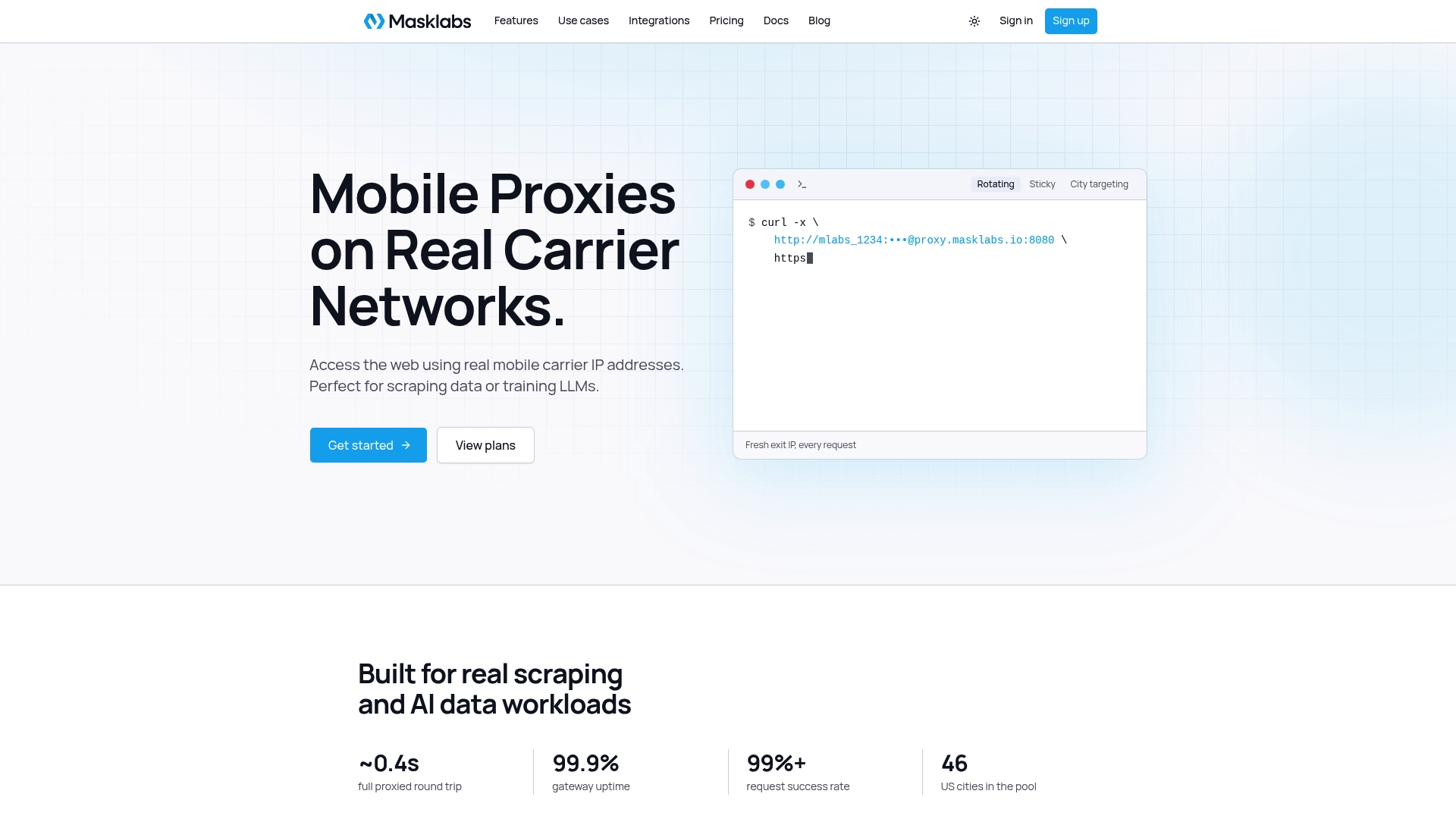
For that workload we built MaskLabs around real US mobile carrier IPs, city-level targeting across 46 cities, and a choice of sticky or rotating sessions. Containers fit this well. A scraper container needs one proxy URL and credentials, and it speaks HTTP, HTTPS or SOCKS5, whichever your library prefers. Credentials are self-serve, with team-level management, and a usage dashboard shows consumption because billing is per byte. You set it up without a sales call.
Our advice: put the proxy in the application's own configuration, pass credentials at runtime, and keep the daemon out of it.
Jon
Run your containers on real mobile IPs
If your Docker workloads scrape, monitor prices, verify ads or collect training data, you can point them at MaskLabs with one proxy URL in your Compose file. Our real carrier IPs in 46 US cities support geotargeted collection, with sticky or rotating sessions and HTTP, HTTPS or SOCKS5 access. The free trial comes with limited data, so you can try it in a container first.
Plans are published on the pricing page: Starter at $30 per month, Basic at $100 per month, Advanced at $500 per month and Scale at $1,000 per month, with prepaid data add-ons billed per GB. See US mobile proxies on real carrier IPs to get started. If your scraper is in Rust, C# or PHP rather than Python, our guides for Rust proxy requests, C# HttpClient proxies and PHP cURL proxies show the matching setup. For headless browsers in containers, see Chrome proxy flags.
FAQ
Why does my container ignore the proxy I set on the host?
Containers do not inherit your shell's environment. They get proxy variables from -e flags, Compose environment:, or the proxies.default block in ~/.docker/config.json. Set one of these and recreate the container, since existing containers keep their old variables.
Where do I put proxy settings for docker build?
Pass --build-arg HTTP_PROXY=... and --build-arg HTTPS_PROXY=..., or set proxies.default in the CLI config so builds pick them up automatically. Avoid ENV lines in the Dockerfile, because they embed the values, including any credentials, in the image.
Can Docker use a SOCKS5 proxy?
Yes, with limits. The daemon can use a socks5h:// value in a systemd drop-in, and Docker Desktop supports SOCKS5 on a Business subscription. Containers do not read SOCKS5 from environment variables, so configure SOCKS5 inside your application or convert it to an HTTP proxy first.
Do I need a proxy on the daemon and in the container?
Only if both need it. The daemon proxy handles image pulls and pushes. The container proxy handles your application's outbound requests. For scraping, it is usually best to give only the scraper containers the proxy.
Sources
- Daemon proxy configuration, Docker Docs
- Use a proxy server with the Docker CLI, Docker Docs
- Change your Docker Desktop settings, Docker Docs
- General FAQs for Desktop, Docker Docs
- Configure an upstream proxy, Docker Sandboxes
- Builder build-time argument passing, moby issue 14634
- How to Set Up Docker Containers with SOCKS5 Proxy
- How to Configure Docker Proxy Settings for Corporate Environments
- Docker SOCKS proxy quickstart
- Open WebUI proxy configuration notes
- Use socks5 proxy from host for docker build
- Fix net/http TLS handshake timeout in Docker
- Docker error: net/http request canceled while waiting for connection